Why it matters in daily use
Stable performance and dependable support matter more when accounts, automations, or shared devices are active every day.
Review VMOS cloud phone use cases, VMOS cloud login paths, and setup options for social media, remote Android, and team-based workflows before you start the 2-hour free trial.
A faster decision comes from checking setup fit, supported platforms, and plan range before paid checkout. The 2-hour free trial is enough to validate login and first-session setup.
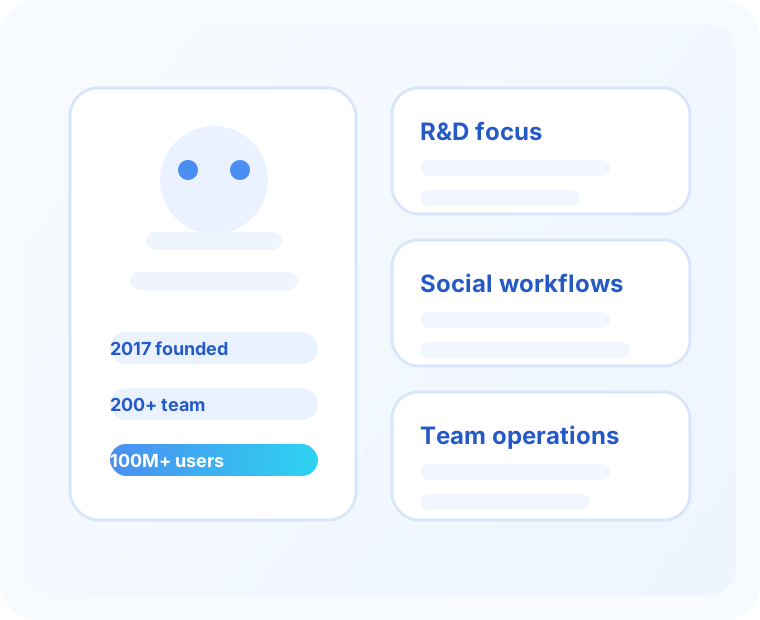
These operating signals help you judge whether the platform is established enough for recurring cloud phone work.
When devices support ongoing social, testing, or account routines, stability, repeatable setup, and ongoing platform investment become more important than feature lists alone.
Stable performance and dependable support matter more when accounts, automations, or shared devices are active every day.
Agencies and operators need platforms that can handle repeated use, onboarding, and team handoffs without constant resets.
Clear continuity signals make it easier to decide whether a trial is worth your time.
VMOS Cloud is a stronger fit when you need shared operations, repeatable actions, AI-assisted steps, or multi-account coordination instead of only occasional remote Android access.
Helpful if you want AI-assisted execution layered on top of remote Android workflows.
Useful for shared permissions, device handoff, and team-based operations.
Best for repeating actions across multiple cloud phones with less manual work.
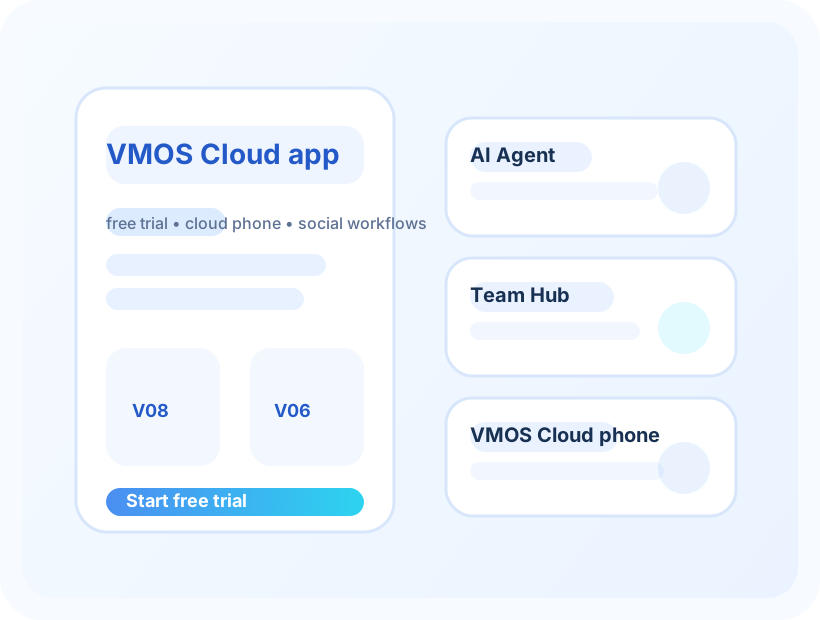
VMOS Cloud messaging emphasizes creator workflows, account operations, and multi-platform use. That makes it more relevant when teams want repeatable remote Android access instead of isolated one-off sessions.
Check whether the workflow needs browser access, desktop tools, Android download routes, or cross-platform setup before you create accounts for the team.
Useful if your operators need desktop access on Windows 10 or later.
Relevant if you need official Android download routes, Google Play access, or APK-related setup checks.
Helpful when your team works across macOS, Ubuntu, and other mixed operating-system setups.
The 2-hour free trial is the easiest way to test setup, login, and device access before choosing a paid plan.
If the workflow looks right, start the 2-hour free trial to test login and device access or go straight to pricing to compare monthly, timed, and premium options.
Visitors from ChatGPT, Perplexity, and other AI search tools often need direct answers before they click a signup link. These answers summarize the buying path without forcing a long page scan.
Yes. The 2-hour VMOS Cloud free trial is the fastest way to test login, launch a cloud phone, install a target app, and check whether the workflow is worth paying for.
Start with V04 or V06 if the trial proves a light or routine workflow. Compare V08, timed billing, premium devices, and IP costs only when performance, session length, or network requirements make them necessary.
It can be useful when you need repeated cloud Android access, account separation, app testing, or team-based workflows instead of relying on one local phone or local emulator.
Confirm the login path, target app compatibility, Android version, device speed, billing model, and any IP or traffic cost before moving from the free trial to a paid plan.
If someone tries the trial and still feels unsure, they usually need a simpler way to judge the first paid plan.
Open the invite link, create the account, and try one cloud phone session with the app you actually care about.
Install the app, check login, look at speed, and see whether the device still feels comfortable after a few minutes.
Choose V06 as the balanced default, V04 when budget matters most, and V08 or premium only when the extra power clearly matters.