You want to try before paying
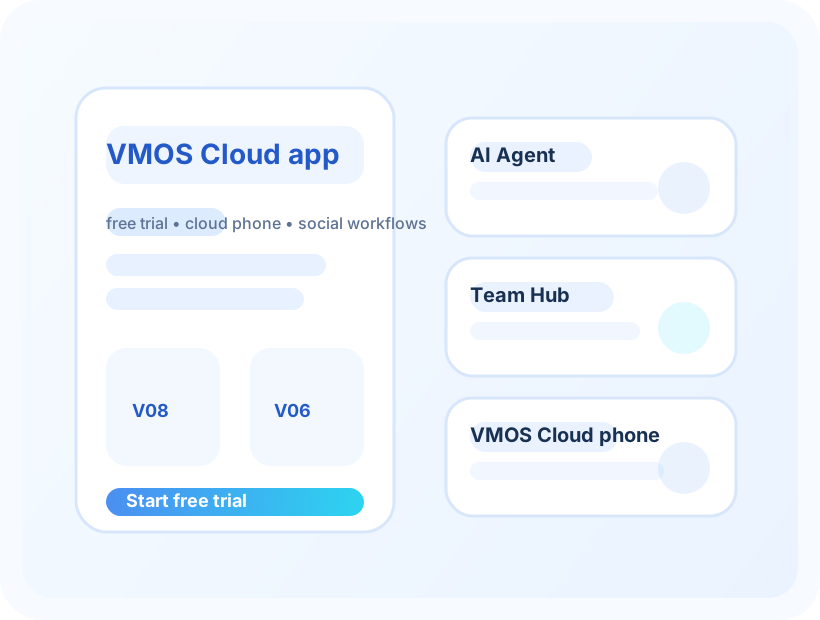
Start with the trial, open one cloud phone, and install the app you actually care about.
People looking for a Redfinger alternative usually want a cloud Android phone they can try first, keep open when needed, and use for apps, games, social media, or account work without too much friction.
Use one real app and one real task when comparing VMOS Cloud with Redfinger or any other cloud phone.
Some people want a simpler trial. Some want a different first price. Some want a cloud phone that feels better for social media, games, app checks, or account work.
A good comparison should answer a practical question: does VMOS Cloud make the same app easier or cheaper to keep using, or is your current Redfinger setup already good enough?
Start with the trial, open one cloud phone, and install the app you actually care about.
If you need a cloud phone that stays useful for longer sessions, test that exact situation before switching.
Try the same account routine you use today and see whether it feels easier, faster, or cheaper enough to matter.
| What you care about | What to try | Good sign | Watch out for |
|---|---|---|---|
| Free trial | Open the cloud phone and install one app | You can finish the first test without confusion | A trial that looks fine but does not answer your real app question. |
| Long sessions | Leave the app running the way you normally would | The session still feels usable | A cheap plan that feels too limited after a short time. |
| Social media | Try the same social or account routine | The routine is repeatable | Extra costs that only show up after you scale usage. |
| App testing | Install the APK or app you need to check | The app behaves close enough for your purpose | Using a daily-use cloud phone when you only needed a short app check. |
| Switching from Redfinger | Recreate one task from your current setup | You know what improves and what gets worse | Switching just because a page says alternative. |
If your current Redfinger setup already runs reliably, your team knows how to use it, or a specific game or app behaves well there, switching may not be worth the hassle.
Try VMOS Cloud when you want to re-check the trial, the app experience, the first paid price, or a different way to use a cloud Android phone.
Do not test everything at once. Start with one game, one app, one social account, or one remote Android task.
The comparison only matters if you try the same app or task you already care about.
Look at the first paid plan and any extra cost before treating VMOS Cloud as cheaper.
The best alternative is the one that handles your app, your usage time, and your price expectation better than your current setup.
No. Try one real app and one real task before you decide.
Test login, app install, speed, how long you need to use it, and the first price you would actually pay.
If someone tries the trial and still feels unsure, they usually need a simpler way to judge the first paid plan.
Open the invite link, create the account, and try one cloud phone session with the app you actually care about.
Install the app, check login, look at speed, and see whether the device still feels comfortable after a few minutes.
Choose V06 as the balanced default, V04 when budget matters most, and V08 or premium only when the extra power clearly matters.